On-screen input
Use the app’s touch controls for quick practice when a physical MIDI keyboard is not connected.
Play 24Piano exercises with touch input, a compatible USB MIDI keyboard, or a compatible Bluetooth MIDI setup. The app listens for the notes you play so practice can stay connected to a real keyboard response.
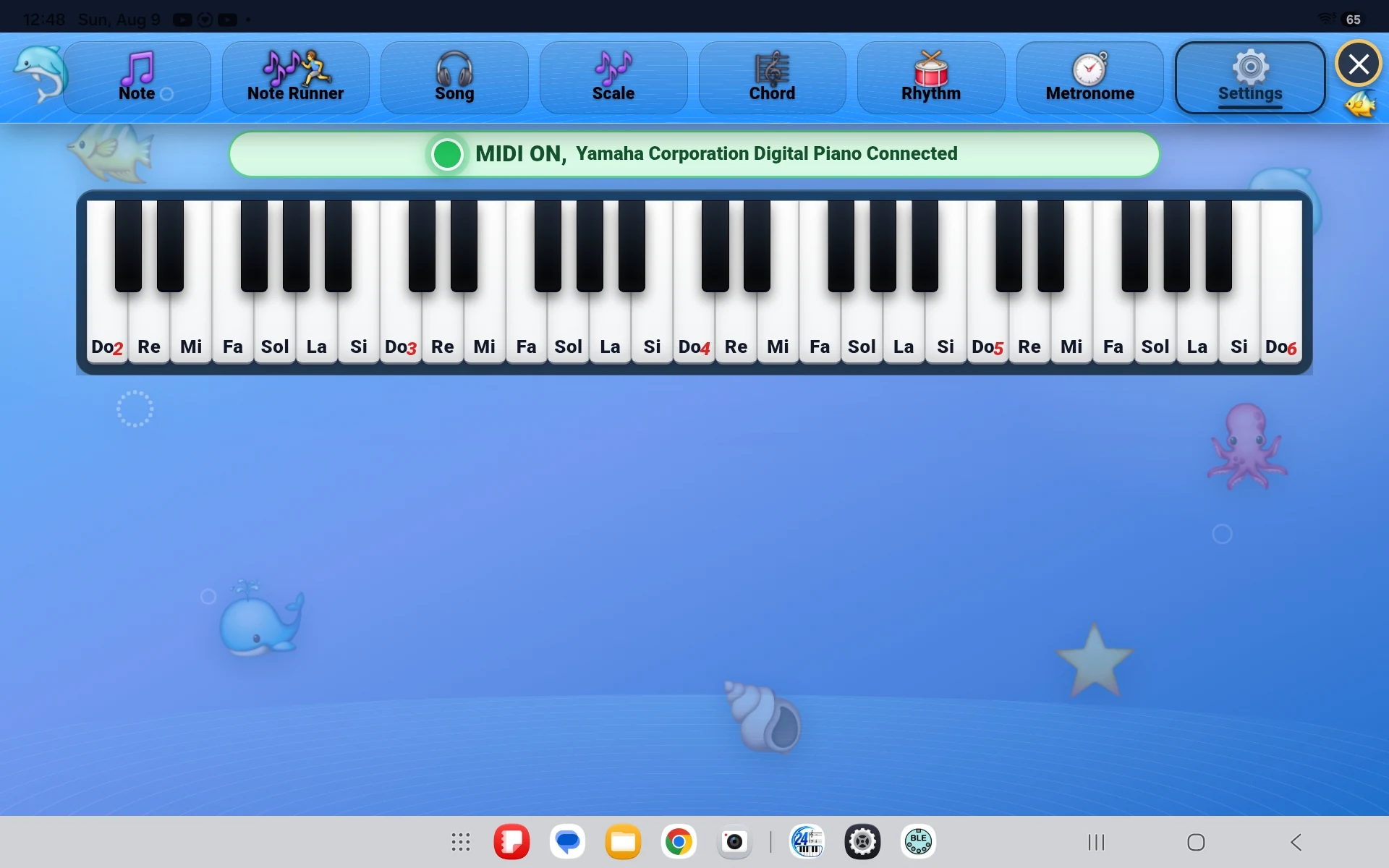
The practice activity stays the same. Only the way the student sends an answer changes.
Use the app’s touch controls for quick practice when a physical MIDI keyboard is not connected.
Connect a compatible digital piano, keyboard, or MIDI controller by cable and play answers on real keys.
Use a compatible wireless MIDI device when both the keyboard and the app device support Bluetooth MIDI.
Exact connection steps can vary by device, cable, adapter, operating system, and keyboard model. The basic setup remains straightforward.
Turn it on and enable its MIDI connection if the model requires a setting.
Use a compatible USB cable or adapter, or pair through supported Bluetooth MIDI.
Choose an exercise, play a key, and confirm that the app receives the response.
MIDI tells 24Piano which key was played. The app can then check the answer and use the selected Grand, Bright, or Soft piano sound. A MIDI connection is different from sending the keyboard’s speaker audio.
Compatibility questions are easier to answer when the message includes the keyboard, computer or mobile device, and intended USB or Bluetooth connection.
Contact 24Piano SupportCompatibility depends on the complete setup, not only the keyboard brand.
No universal compatibility claim is possible. The keyboard must send compatible MIDI data, and the app device must support the cable, adapter, or Bluetooth MIDI connection being used.
No. Bluetooth audio carries sound, while Bluetooth MIDI carries musical note information. A keyboard that only supports Bluetooth audio may not provide wireless MIDI input.
No. Touch input is available for practice without a connected keyboard. A compatible MIDI keyboard adds a physical-key response.
Check that the cable supports data, the required adapter is compatible, the keyboard is powered on, and the device recognizes the MIDI connection. Include all model names when contacting support.