Staff, hand, and key choices
Choose a scale setup that matches the student’s current level and the hand or staff being practised.
24Piano breaks scale practice into clear, repeatable exercises. Students can choose the staff, hand, key, and direction, then practise right-hand, left-hand, or both-hands scale patterns with keyboard feedback.
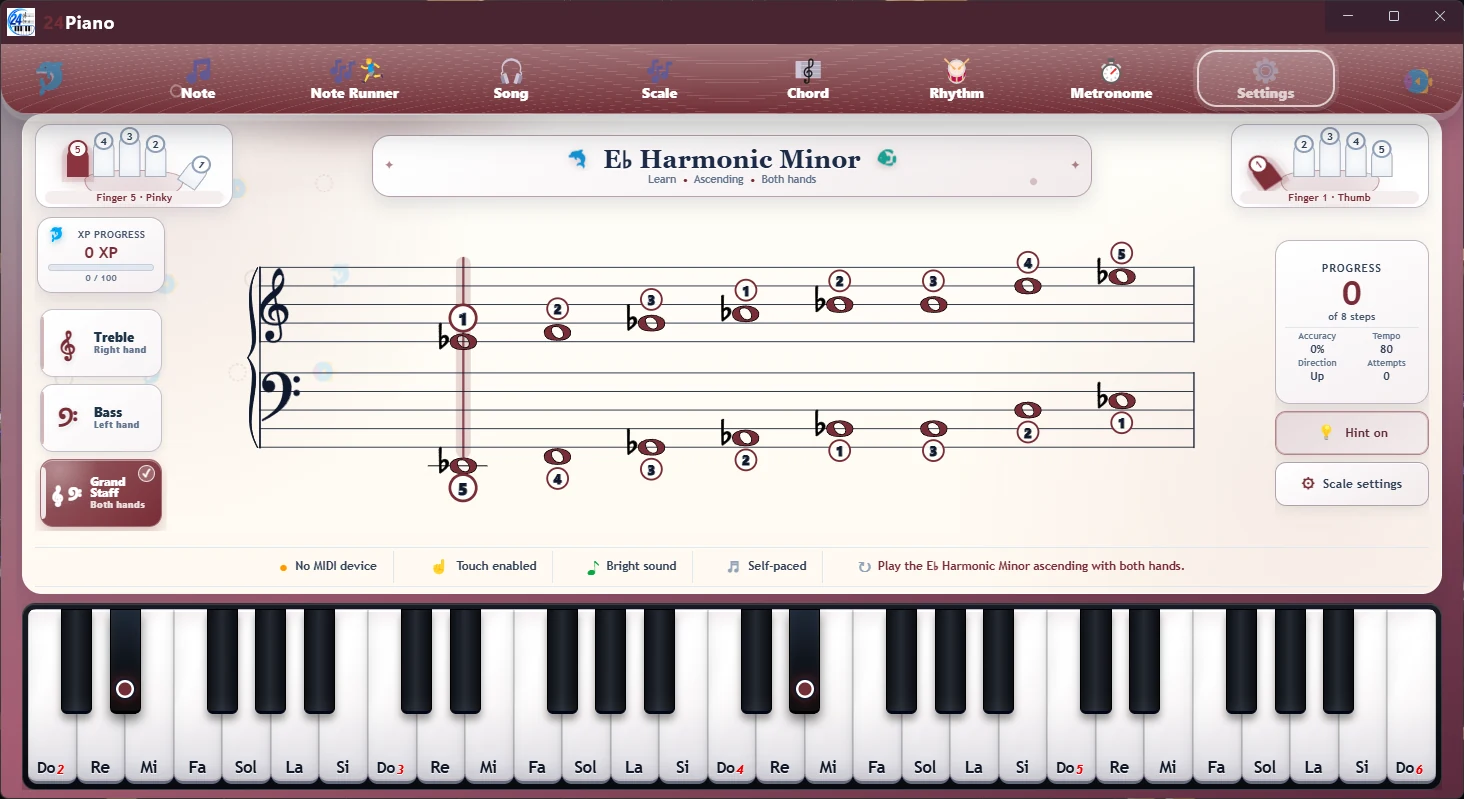
Scale practice is easier to repeat when students can see the note sequence, feel the keyboard pattern, and work at a tempo that remains controlled.
Choose a scale setup that matches the student’s current level and the hand or staff being practised.
Use short exercises to pay attention to hand movement and the places where the fingers change position.
Set a comfortable BPM, maintain a steady pulse, and increase speed only when the pattern feels secure.
A focused scale routine separates accuracy from speed. Students can first understand the notes and shape, then use repetition and the metronome to make the movement steadier.
Open a scale pattern that matches the skill being studied.
Adjust the BPM so every note can be played clearly and evenly.
Listen for evenness, notice fingering changes, and build speed gradually.
24Piano supports the scale work assigned by a teacher, method, course, or personal practice plan.
No. It provides focused exercises for notes, patterns, fingering awareness, and timing. A teacher or trusted method can guide posture, touch, coordination, and broader technique.
A metronome can help with even timing, but accuracy and comfortable movement come first. Use a slower BPM when the pattern is still new.
Yes, when it provides a compatible MIDI connection. 24Piano also supports touch input and compatible Bluetooth MIDI setups.
Increase it gradually only after the notes, fingering, and pulse remain controlled. The purpose is reliable movement, not speed by itself.