Focused flashcards
Each prompt shows one clear reading task, helping students concentrate without unnecessary visual clutter.
24Piano turns note reading into short, focused flashcard practice. See one note, find it on the keyboard, and repeat until the connection between the staff and the keys feels quicker and more natural. Note Practice currently focuses on the C2 to C6 range, giving students a clear 49-key area to work within.
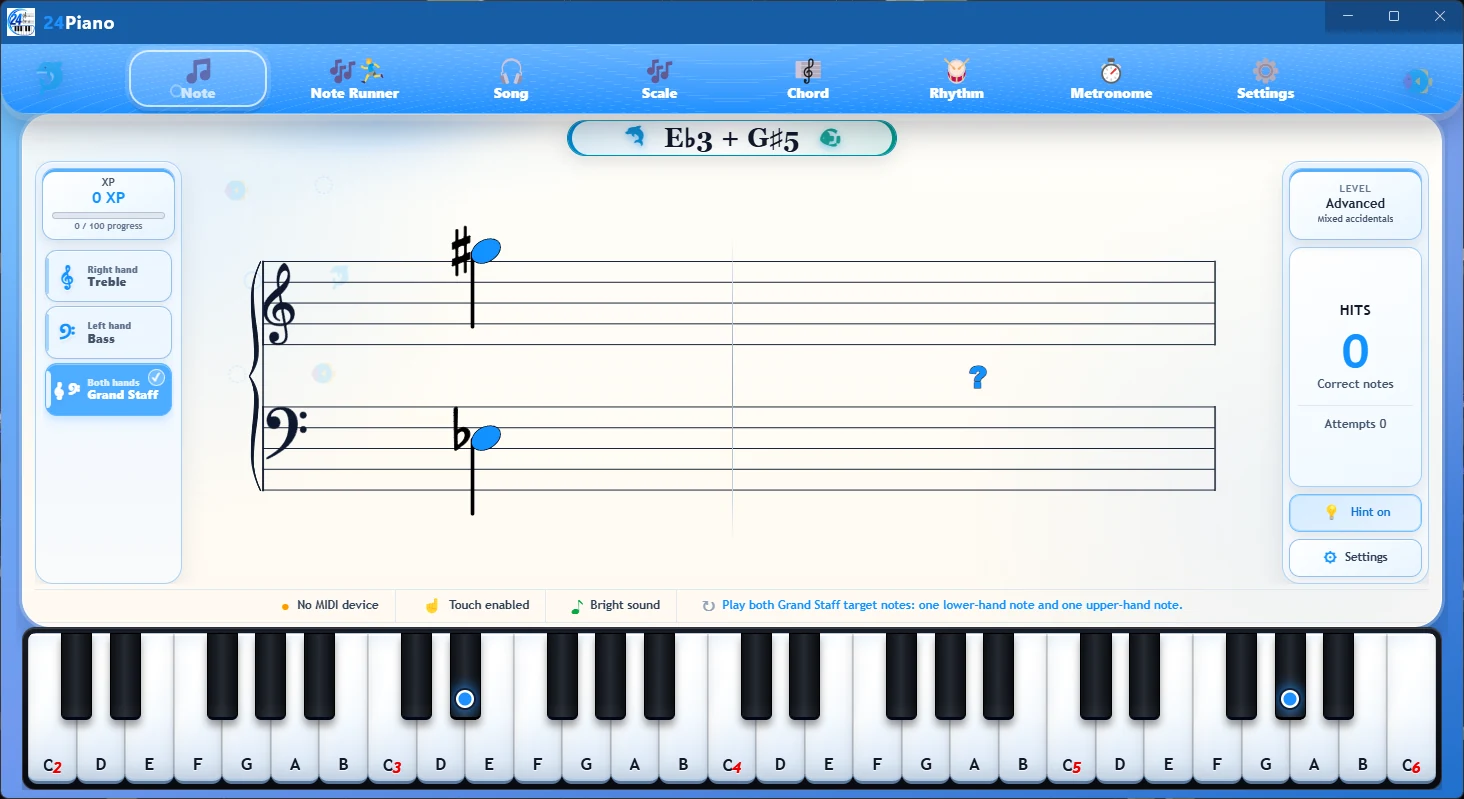
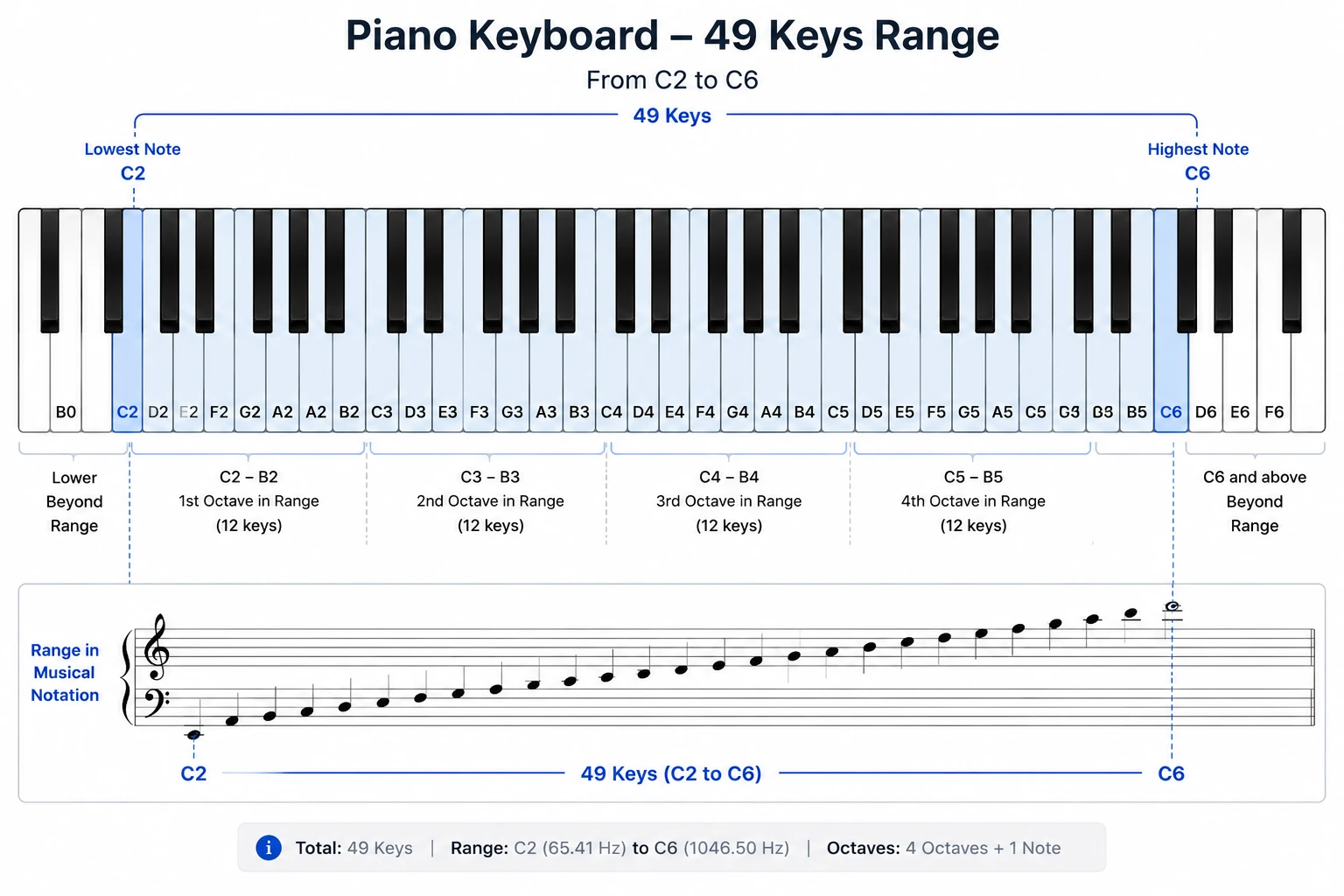
Instead of crowding the screen with a full song, Note Practice isolates the recognition step students need to repeat: see the symbol, locate the key, and answer.
Each prompt shows one clear reading task, helping students concentrate without unnecessary visual clutter.
Students practise linking written notes to their physical location on a piano or keyboard.
Short rounds make it easy to repeat difficult notes and build a faster, more automatic response.
Note reading improves when recognition and keyboard response are practised together. 24Piano keeps that loop short enough to repeat every day.
Read a single prompt on the selected staff within the C2 to C6 practice range.
Respond with touch input or a compatible MIDI keyboard.
Move through another prompt and build recognition through repetition.
24Piano supports regular lessons by giving students a focused place to repeat note-reading skills.
It is designed to make basic staff recognition clear and repeatable within the C2 to C6 range. A teacher, method book, or course can still guide the student’s broader musical learning.
No. Flashcard practice isolates recognition so students can return to their regular music with less hesitation.
Yes. Use the app’s touch input, connect a compatible USB MIDI keyboard, or use compatible Bluetooth MIDI where supported by the device.
Note Practice currently focuses on the C2 to C6 range, giving students a clear 49-key area for treble, bass, and grand-staff work.
Note Practice presents one focused flashcard at a time. Note Runner adds movement and timing for a more active reading challenge.