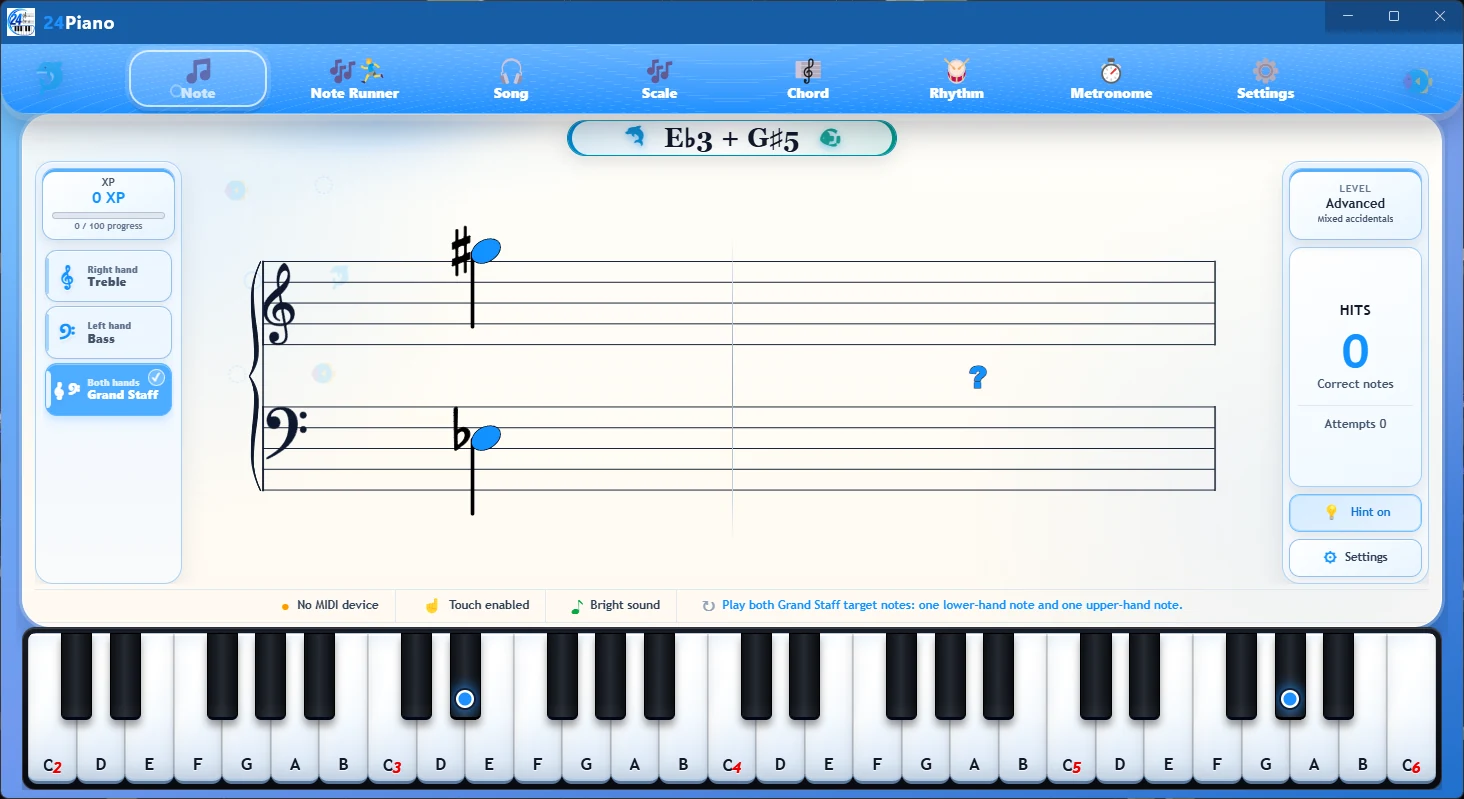
Focused exercises.
Less hesitation at the piano.

24Piano separates reading into clear, repeatable activities so students can work on one response at a time and bring that confidence back to their regular music.

See input options
24Piano logo with piano keys and musical notation

Build recognition before it becomes a roadblock.

Each practice mode keeps the screen simple and leaves room for the feature images you will add later.

Note Trainer image
Flashcard-style practice 01

Note Trainer

Work through notes as quick, interactive flashcards on the treble, bass, and grand staff. One clear prompt at a time helps students stay focused and build a faster connection between notation and keys.

  • One-note prompts
  • Treble and bass reading
  • Grand-staff practice
Open the note-practice guide
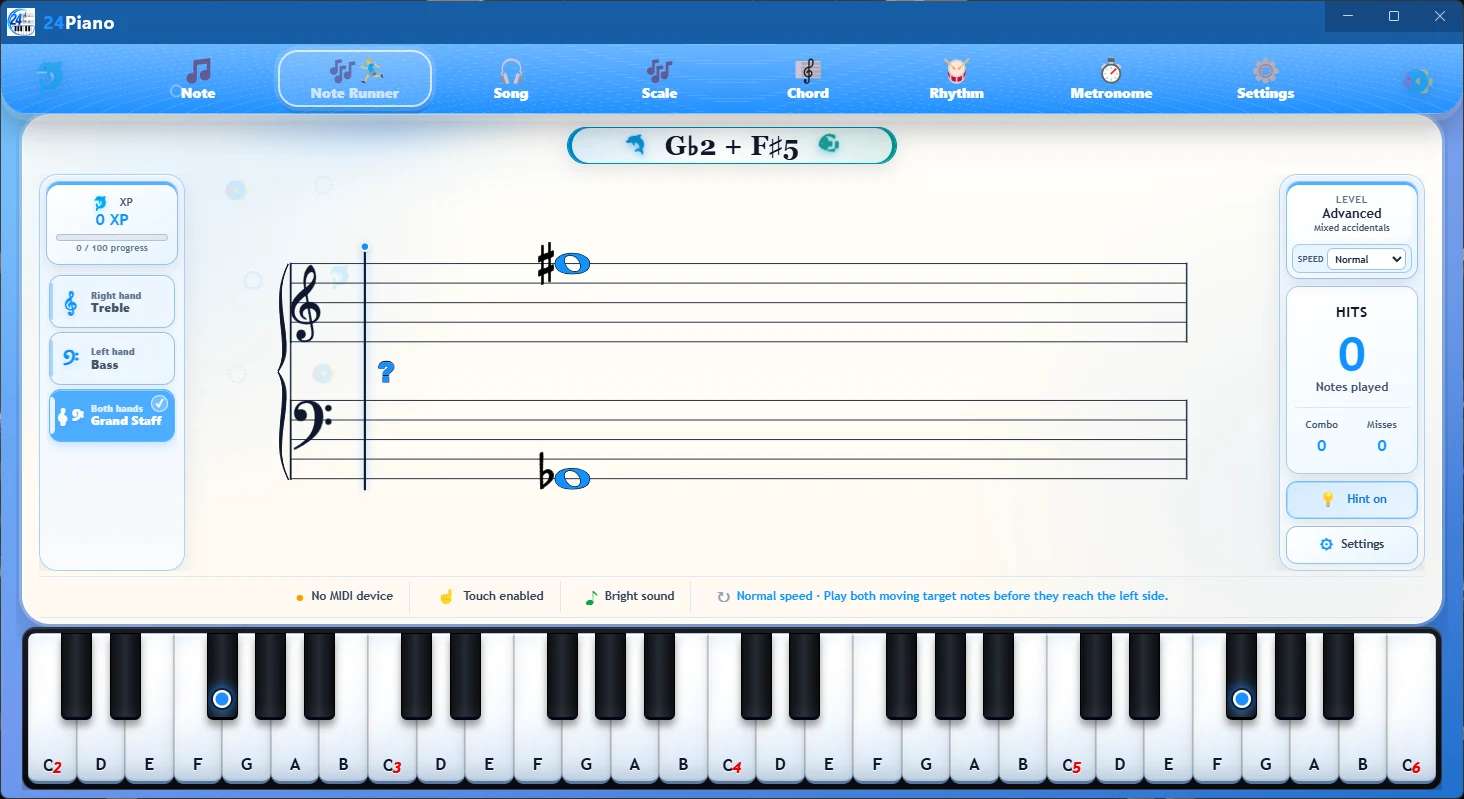
Note Runner
Song Runner50 songs · Play for Me
02

Note & Song Runners

Note Runner turns quick recognition into a moving challenge. Song Runner includes a curated library of 50 popular songs. Students can play a song themselves as the notes move with the beat, or choose Play for Me to listen while the notation scrolls smoothly in time.

  • Moving-note practice
  • 50-song Song Runner library
  • Play it yourself or use Play for Me
Rhythm image
03

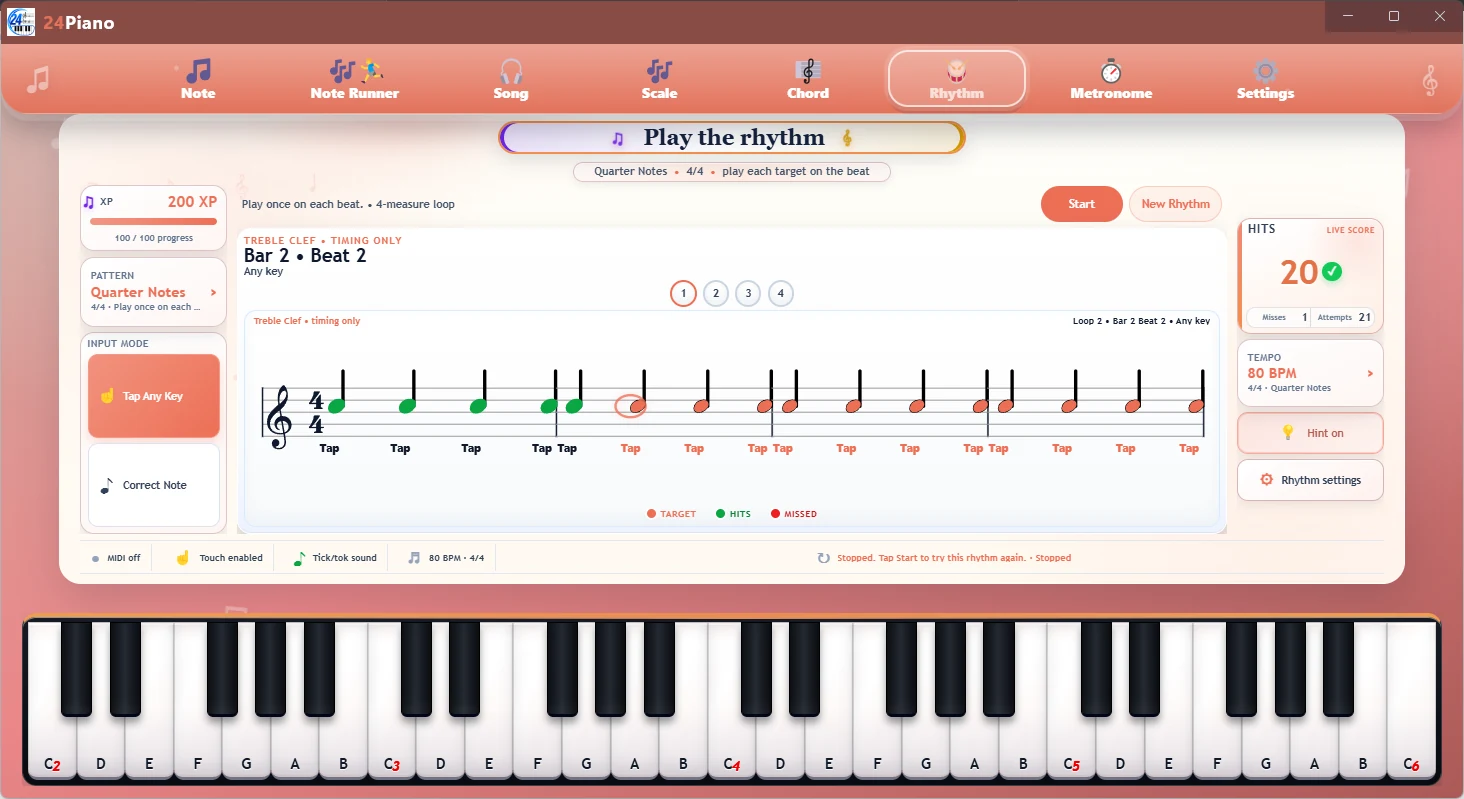
Rhythm

Practice short rhythm patterns in 2/4, 3/4, 4/4, 5/4, and 6/8. Adjust the built-in metronome in BPM, follow the pulse, and repeat each pattern until counting and beat grouping feel steadier.

  • 2/4, 3/4, 4/4, 5/4, and 6/8
  • Adjustable BPM
  • Note values, rests, and beat grouping
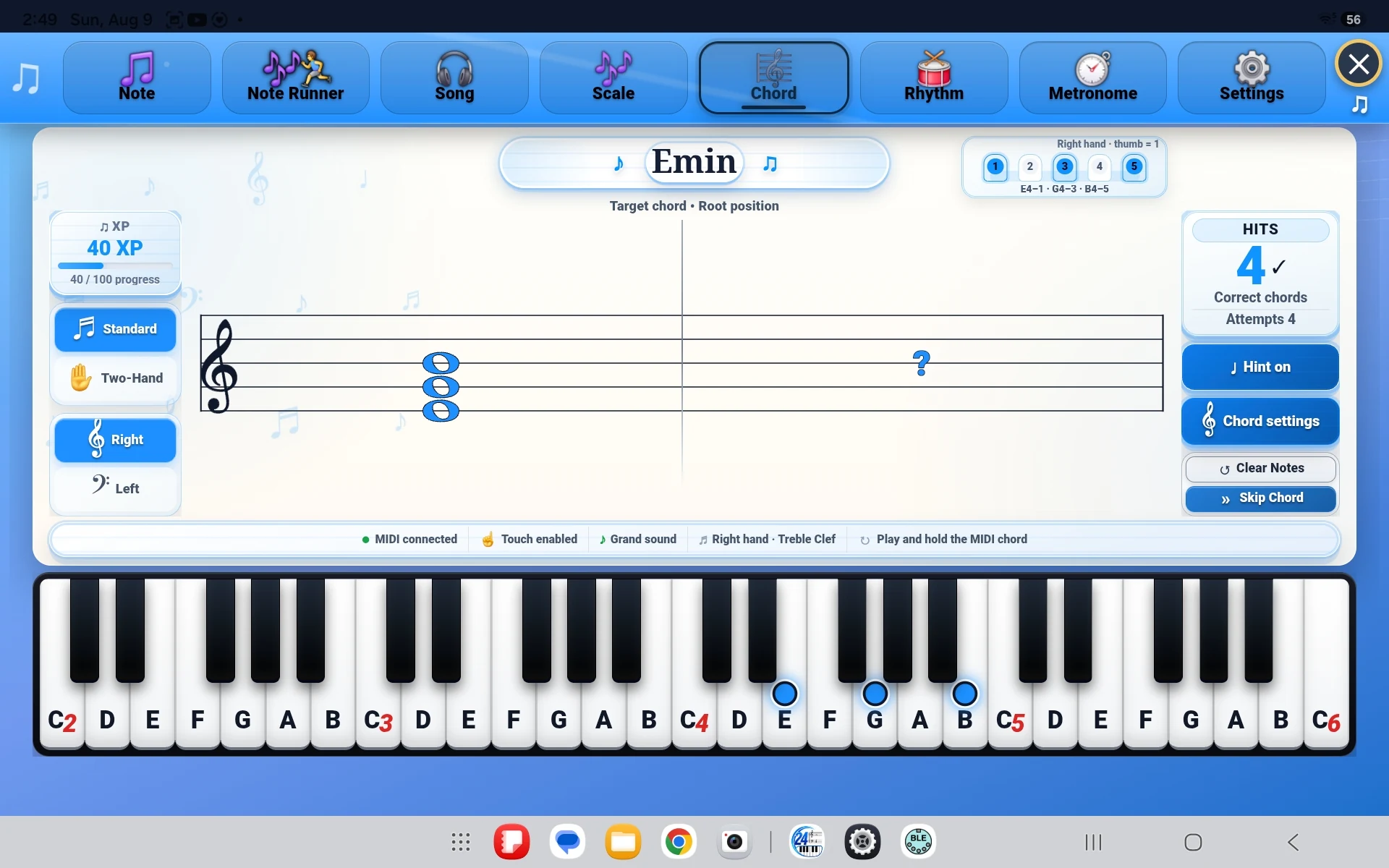
Chords & Inversions image
Flashcard-style practice 04

Chords & Inversions

Work through chords and inversions as focused flashcards. Each card presents one shape to recognize and play, helping students compare voicings and see related patterns instead of isolated answers.

  • Root-position chords
  • Chord inversions
  • Quick pattern recognition
Open the chord-practice guide
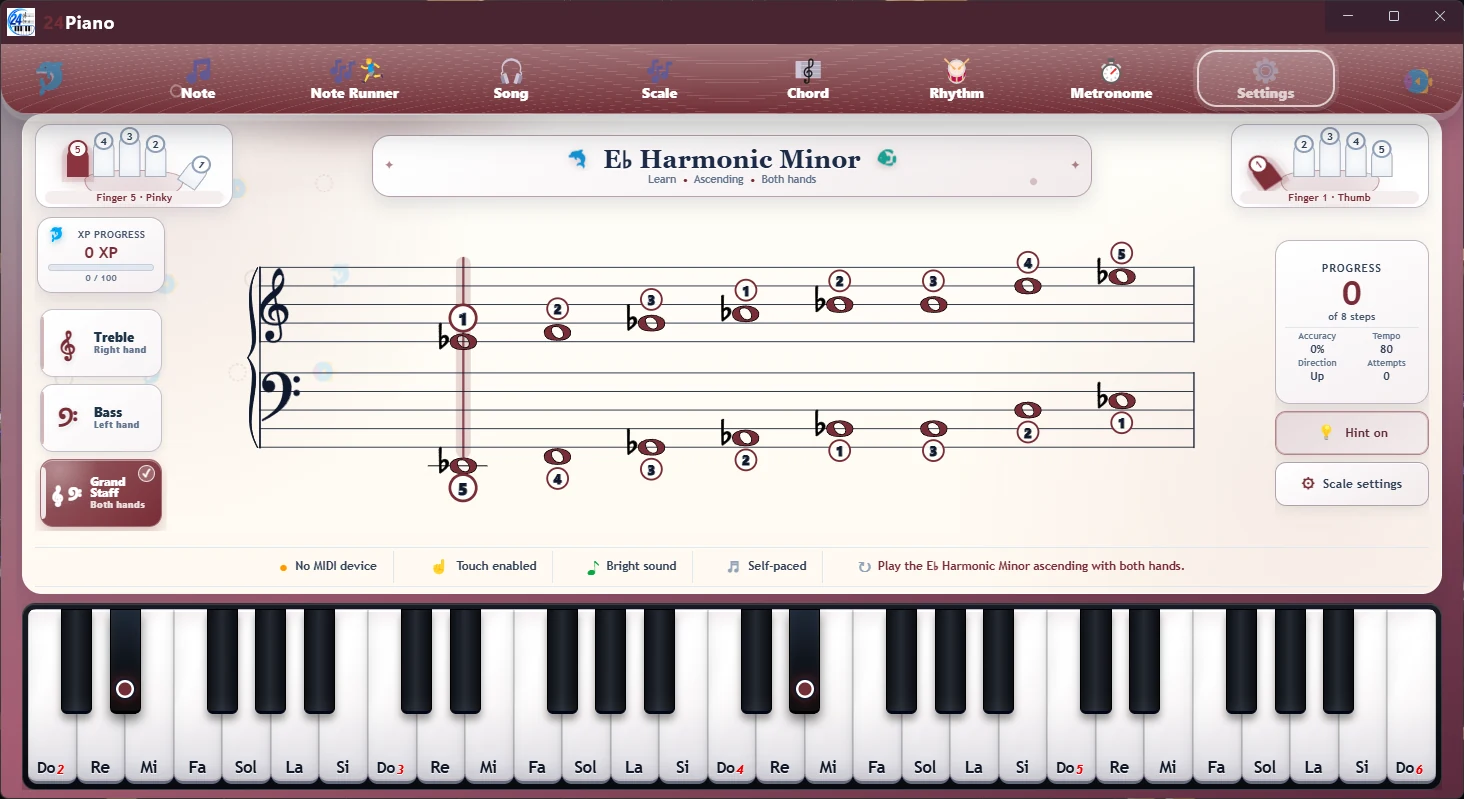
Scales image
05

Scales

Practice scale notes, key patterns, and fingering in short, repeatable exercises. Build smoother movement, a stronger sense of each key, and more reliable keyboard geography.

  • Note sequences
  • Key patterns
  • Fingering awareness
Open the scale-practice guide

Simple choices that support the exercise.

24Piano keeps its controls focused: choose a tempo, select a piano sound, and use a colour theme that makes the practice screen feel comfortable and familiar.

Adjustable metronome

Set the BPM and choose 2/4, 3/4, 4/4, 5/4, or 6/8 for a steadier, more deliberate practice pulse.

Three piano sounds

Switch among Grand, Bright, and Soft so the sound of the app fits the student’s practice preference.

Selectable colour themes

Personalize the app’s accent colour while keeping the practice layout clear, readable, and consistent.

Keep the routine simple and the goal clear.

Ask about 24Piano